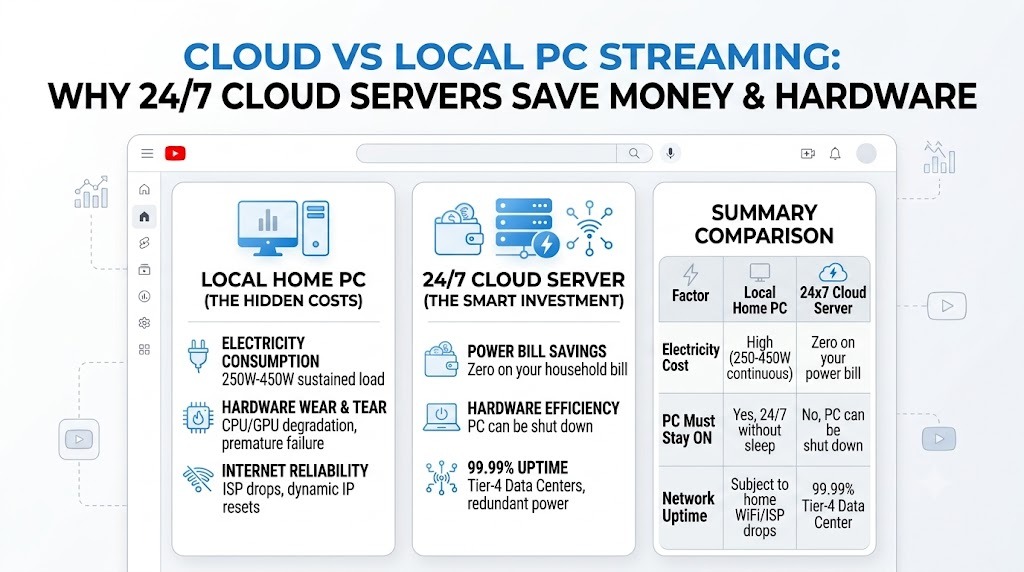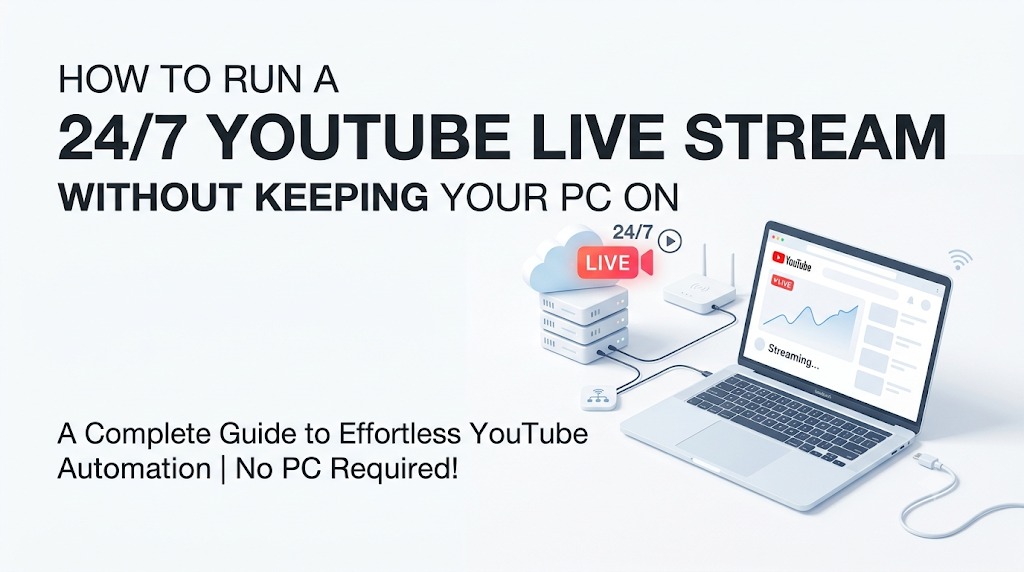
Running a continuous 24x7 live stream on YouTube is one of the most effective strategies to accumulate watch hours, gain algorithmic momentum, and build an active global audience. However, trying to run OBS Studio or FFmpeg on a local PC 24 hours a day consumes heavy electricity, risks heating issues, and stops whenever your home internet disconnects.
Why Cloud Streaming is a Game Changer
Cloud-based stream automation works by hosting your broadcast worker on robust datacenter servers connected directly to gigabit fiber backbones. Here are the core benefits:
- Zero PC Load: Turn off your laptop or desktop anytime. The stream continues flawlessly.
- 99.9% Uptime: High-bandwidth cloud instances prevent dropped frames and stream crashes.
- Multi-Track Loop: Easily upload background music, lofi tracks, gaming clips, or tutorials.
Step-by-Step Setup Guide
- Obtain your private dashboard login credentials via WhatsApp.
- Upload your video playlist directly to the cloud storage.
- Copy your YouTube Stream Key from YouTube Creator Studio.
- Paste the key into the dashboard and click Start Stream.
Your stream goes live immediately on YouTube while you sleep, travel, or work on new content!